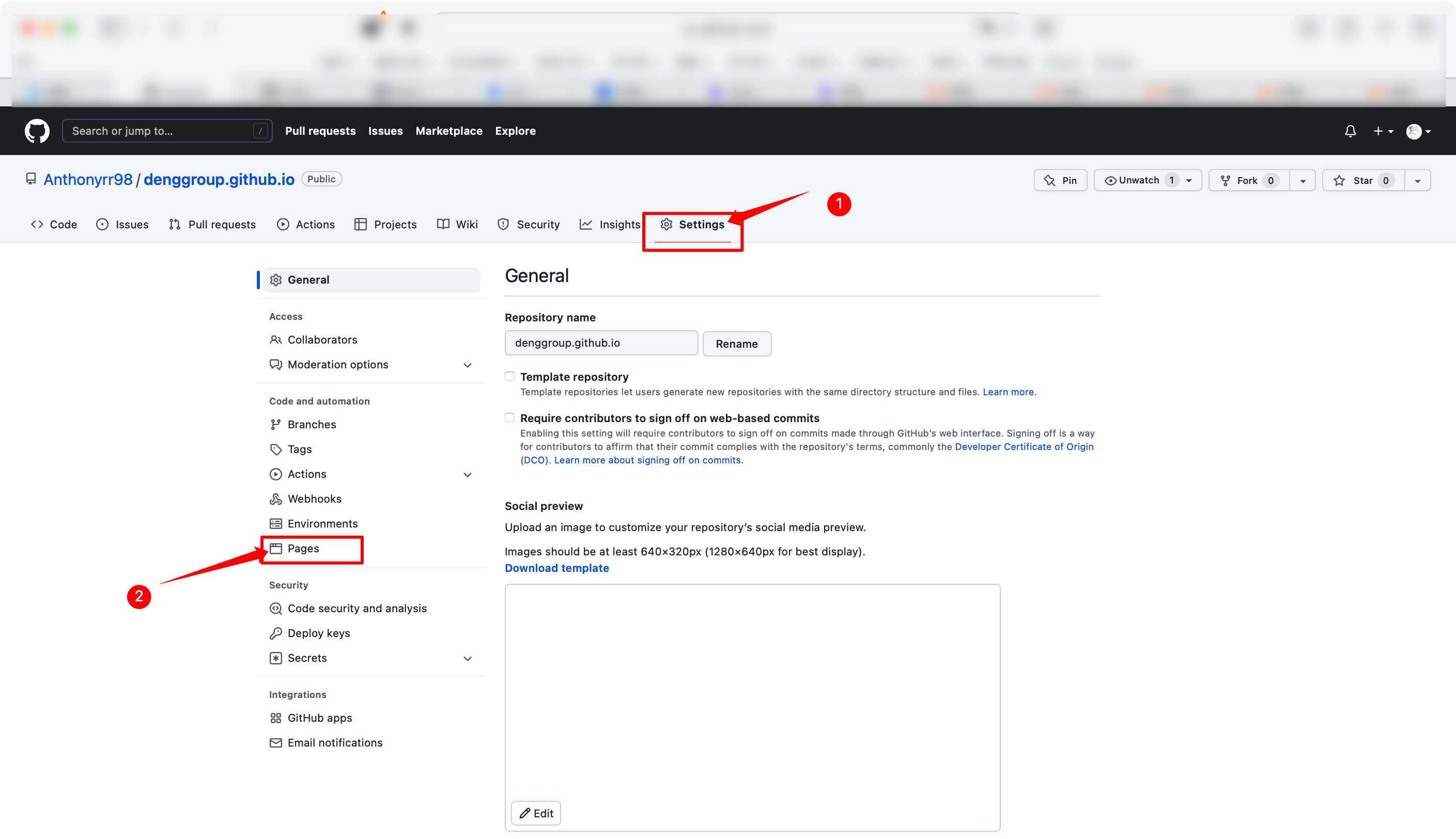
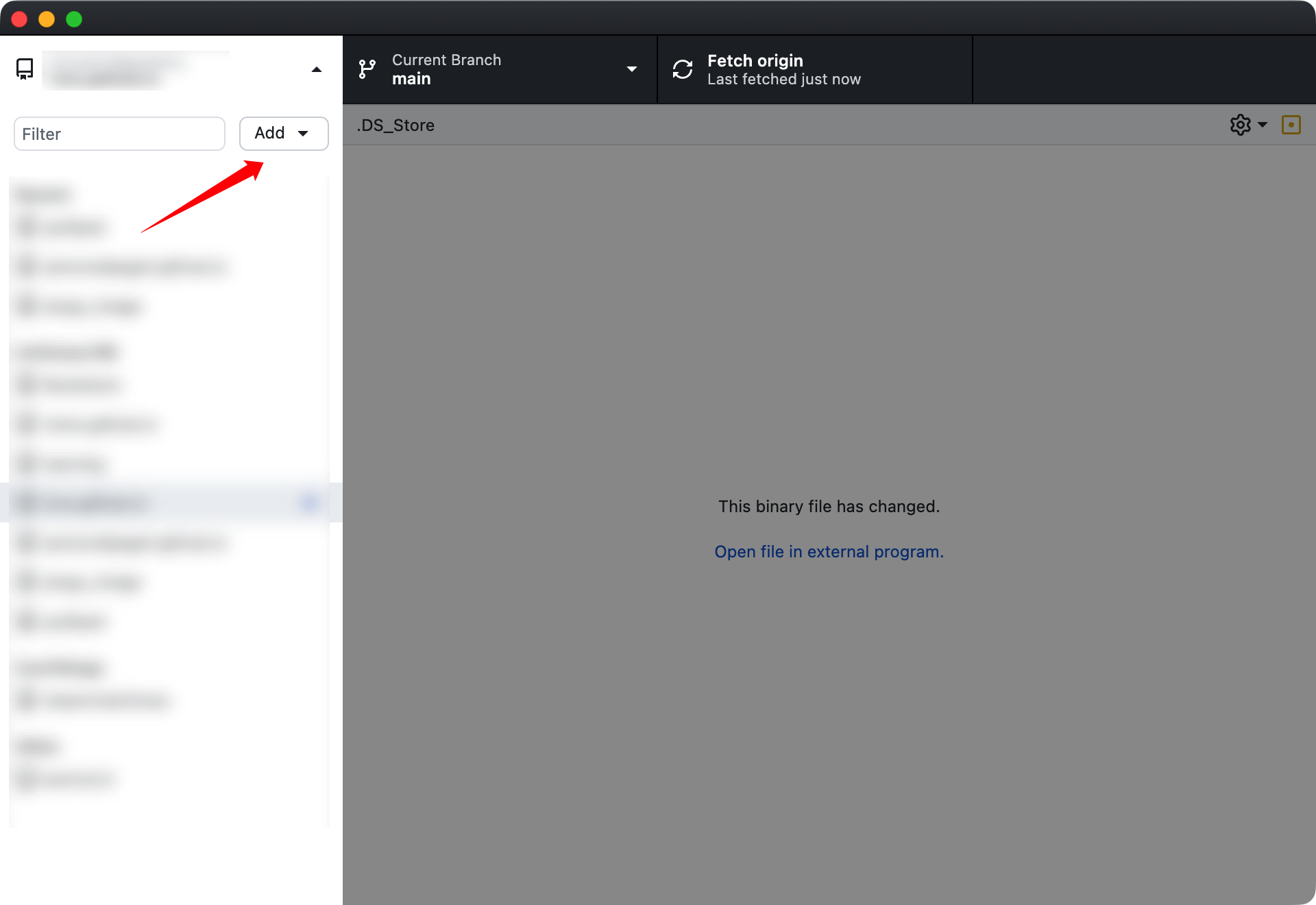
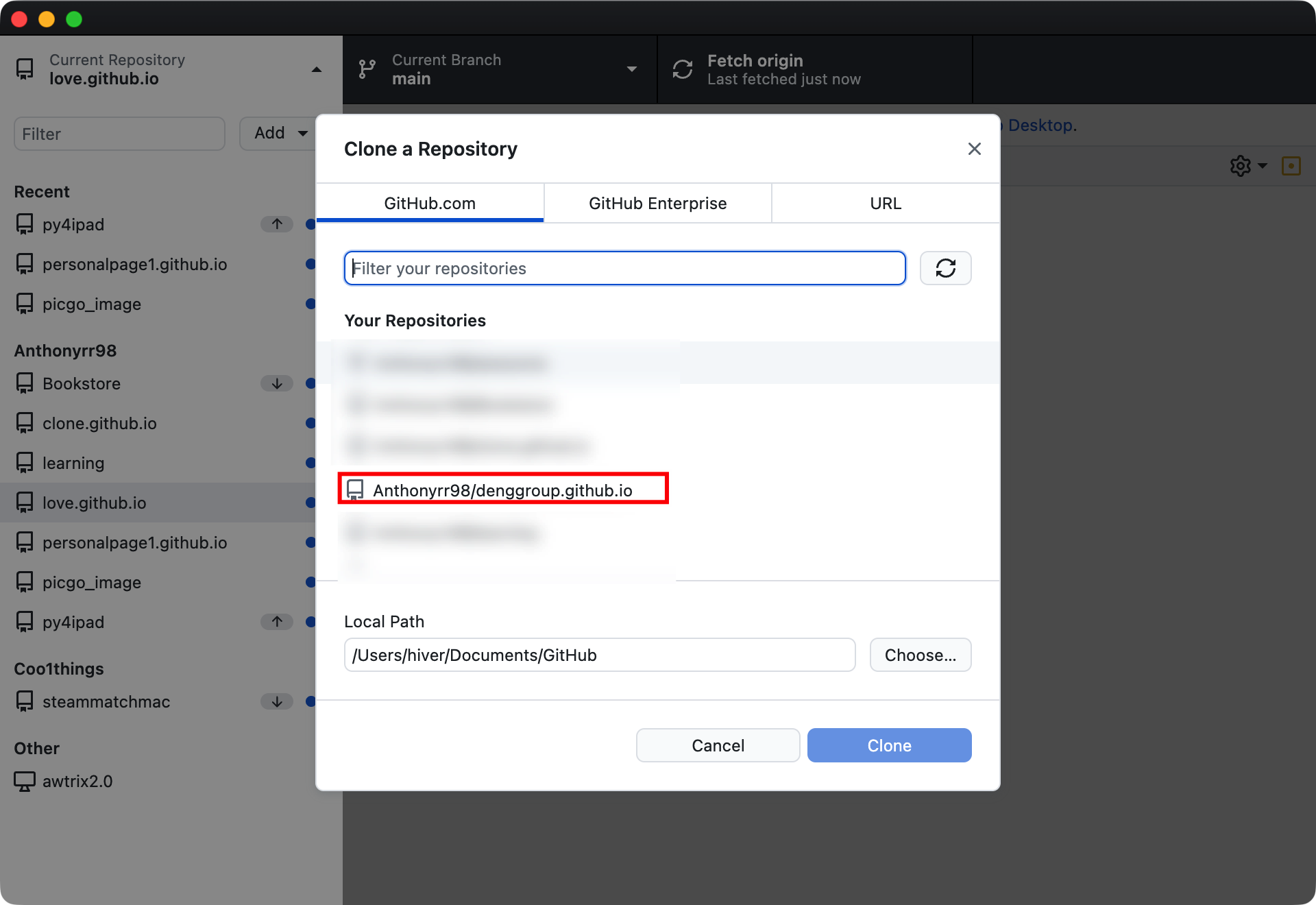
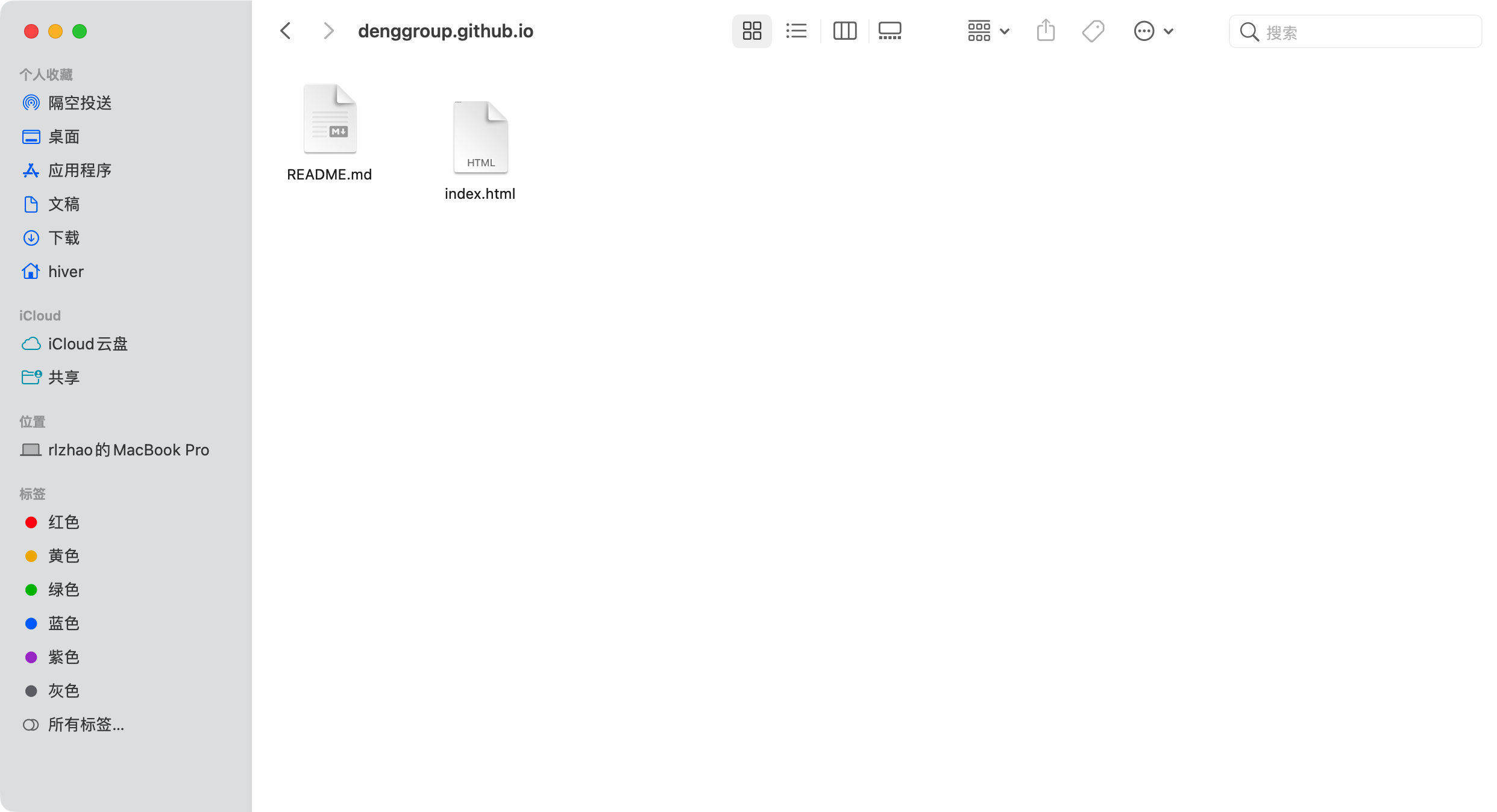
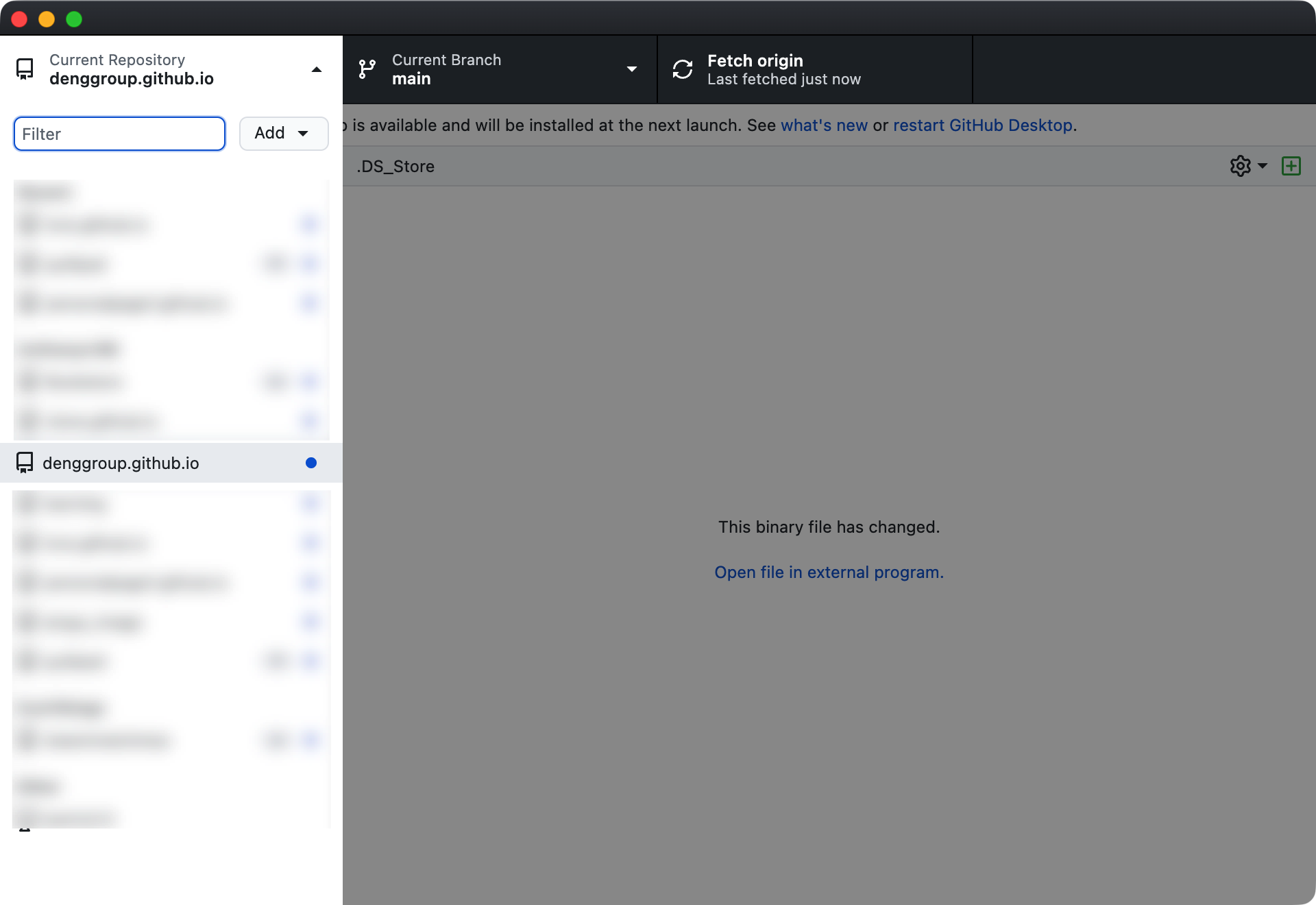
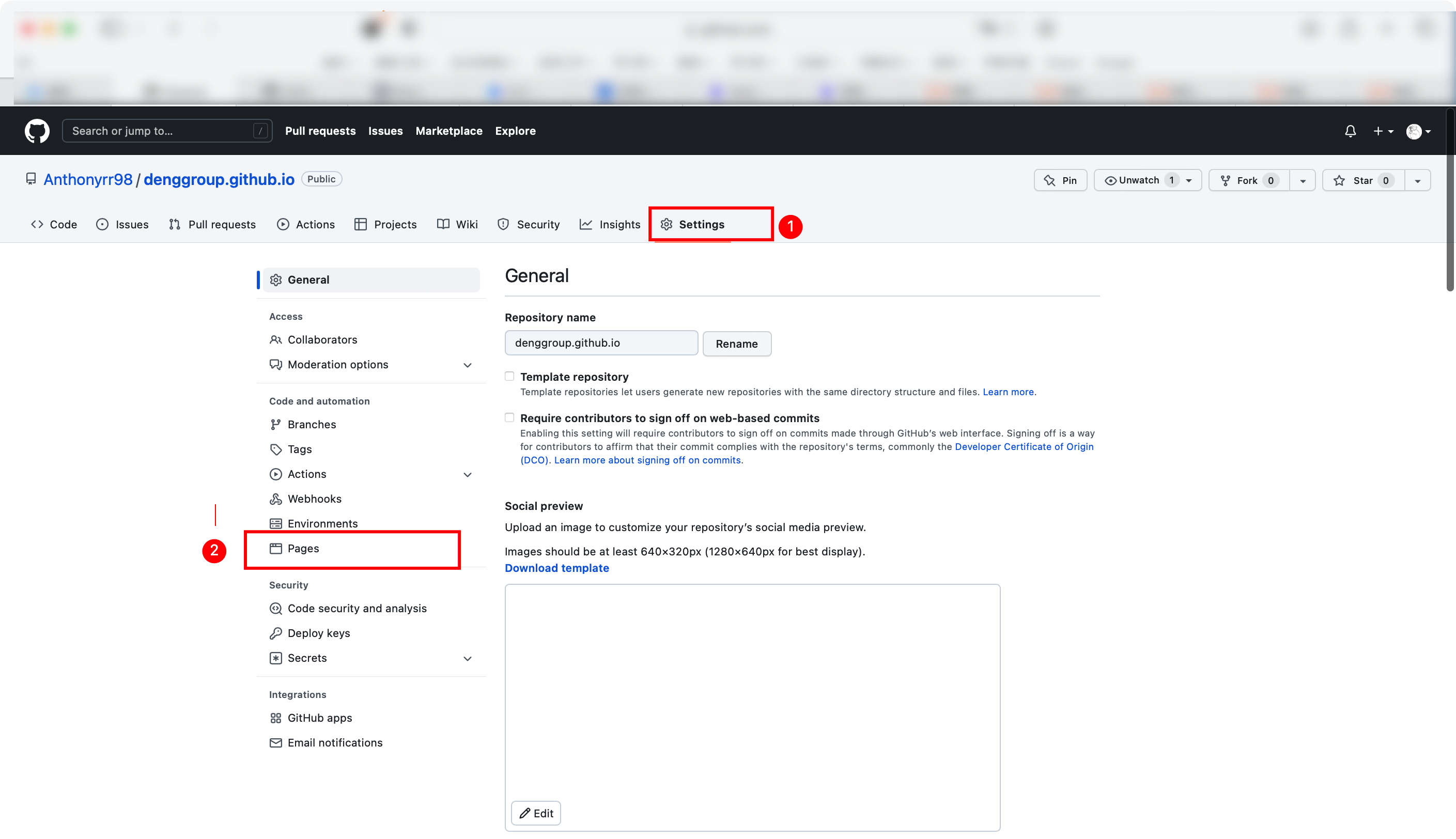
2022年8月10日/ 编程 快速上线一个网站 1在阿里云购买一个域名 2打开github,用github pages管理 2.1首先创建一个仓库 仓库名称xxxx.github.io点击下方绿色按钮创建 2.2打开github desktop 点击clone repository 2.3打开克隆之后的文件夹 上传一个index.html文件 gihub desktop-> current repository-> xxxx.github.io 2.4回到阿里云域名界面 2.5回到github 3访问域名